> ## Documentation Index
> Fetch the complete documentation index at: https://docs.livepeer.org/llms.txt
> Use this file to discover all available pages before exploring further.
# Webhooks
A webhook is a common way for developers to integrate real-time updates in their
application by providing an endpoint which Livepeer Studio can send
[events](/api-reference/webhook/create) to.
A webhook event refers to a specific event in Livepeer that prompts a webhook to
be fired. Once an event takes place, the webhook activates, "pushing" relevant
information or notifications to the application endpoint.
See [Webhooks.fyi](https://webhooks.fyi/) for a great explainer on what
webhooks are, as well as best practices for integration.
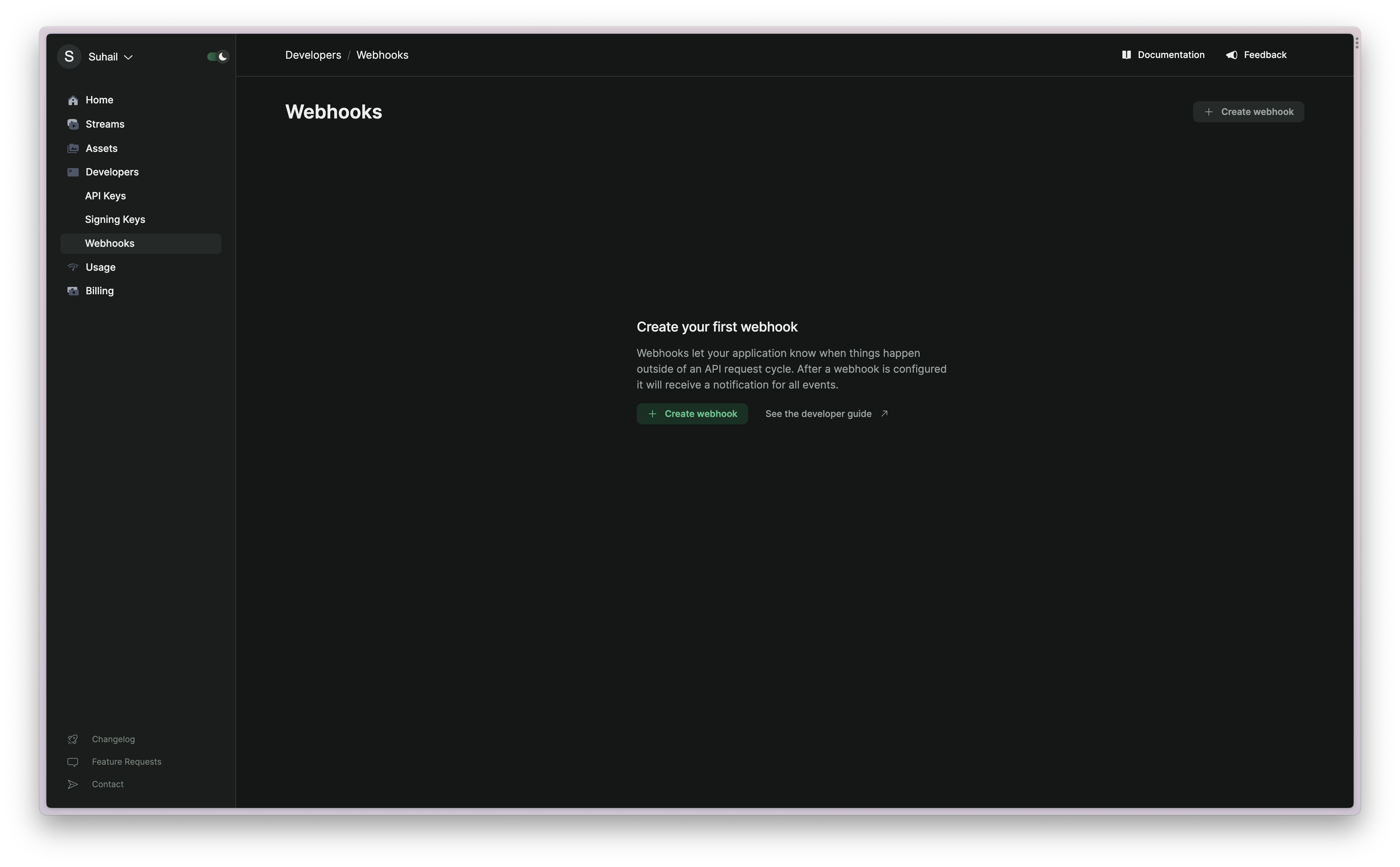
Webhooks can be created in Studio under the Developer/Webhooks page:
 ### Types of Events
| Name | Description |
| -------------------------- | ---------------------------------------------------------------------------------------------------------------------------------------------------------------------- |
| `stream.started` | The parent stream object's isActive value is marked as true and the .m3u8 HLS URL works |
| `stream.idle` | The parent stream object's isActive value should be marked as false and the .m3u8 HLS URL no longer works |
| `recording.ready` | This fires when a recording is ready to be downloaded |
| `recording.started` | This fires when recording has started on an active stream |
| `recording.waiting` | This fires after a stream with recording on has concluded and is not yet ready to be downloaded. Typically it takes 5 minutes for recordings to be ready for download. |
| `multistream.connected` | This fires when we've successfully connected to the multistream target |
| `multistream.error` | This fires when we've encountered an error either while attempting to connect to the third party streaming service or while broadcasting. |
| `multistream.disconnected` | This fires when we are no longer sending video to the multistream target. |
| `asset.created` | This fires when a On Demand asset is created. |
| `asset.updated` | This fires when a On Demand asset is updated. The asset payload will contain a playback URL when playback is available. |
| `asset.ready` | This fires when a On Demand asset is ready. Playback will be available with all transcoded renditions. |
| `asset.failed` | This fires when a On Demand asset fails during the upload or during processing. |
| `asset.deleted` | This fires when a On Demand asset is deleted. |
| `task.spawned` | This fires when a task is spawned. (For example, an On Demand upload) |
| `task.updated` | This fires when a task is updated. |
| `task.completed` | This fires when a task completes its execution successfully. |
| `task.failed` | This fires when a task has failed. |
| `playback.accessControl` | A specialized webhook for playback access control. Unlike other events, this is only used for assets and streams that reference its ID on their playback policy. |
### Types of Events
| Name | Description |
| -------------------------- | ---------------------------------------------------------------------------------------------------------------------------------------------------------------------- |
| `stream.started` | The parent stream object's isActive value is marked as true and the .m3u8 HLS URL works |
| `stream.idle` | The parent stream object's isActive value should be marked as false and the .m3u8 HLS URL no longer works |
| `recording.ready` | This fires when a recording is ready to be downloaded |
| `recording.started` | This fires when recording has started on an active stream |
| `recording.waiting` | This fires after a stream with recording on has concluded and is not yet ready to be downloaded. Typically it takes 5 minutes for recordings to be ready for download. |
| `multistream.connected` | This fires when we've successfully connected to the multistream target |
| `multistream.error` | This fires when we've encountered an error either while attempting to connect to the third party streaming service or while broadcasting. |
| `multistream.disconnected` | This fires when we are no longer sending video to the multistream target. |
| `asset.created` | This fires when a On Demand asset is created. |
| `asset.updated` | This fires when a On Demand asset is updated. The asset payload will contain a playback URL when playback is available. |
| `asset.ready` | This fires when a On Demand asset is ready. Playback will be available with all transcoded renditions. |
| `asset.failed` | This fires when a On Demand asset fails during the upload or during processing. |
| `asset.deleted` | This fires when a On Demand asset is deleted. |
| `task.spawned` | This fires when a task is spawned. (For example, an On Demand upload) |
| `task.updated` | This fires when a task is updated. |
| `task.completed` | This fires when a task completes its execution successfully. |
| `task.failed` | This fires when a task has failed. |
| `playback.accessControl` | A specialized webhook for playback access control. Unlike other events, this is only used for assets and streams that reference its ID on their playback policy. |