active or idle, so that you can surface this
information to viewers.
When these events happen, you can configure Studio to make a POST request to a
webhook URL that you specify.
Type of stream events
Set up a webhook endpoint
The first step is to set up a webhook endpoint in your application. This is the URL that Livepeer Studio will send the event to. Learn more about setting up a webhook endpoint.Add a webhook URL to Livepeer Studio
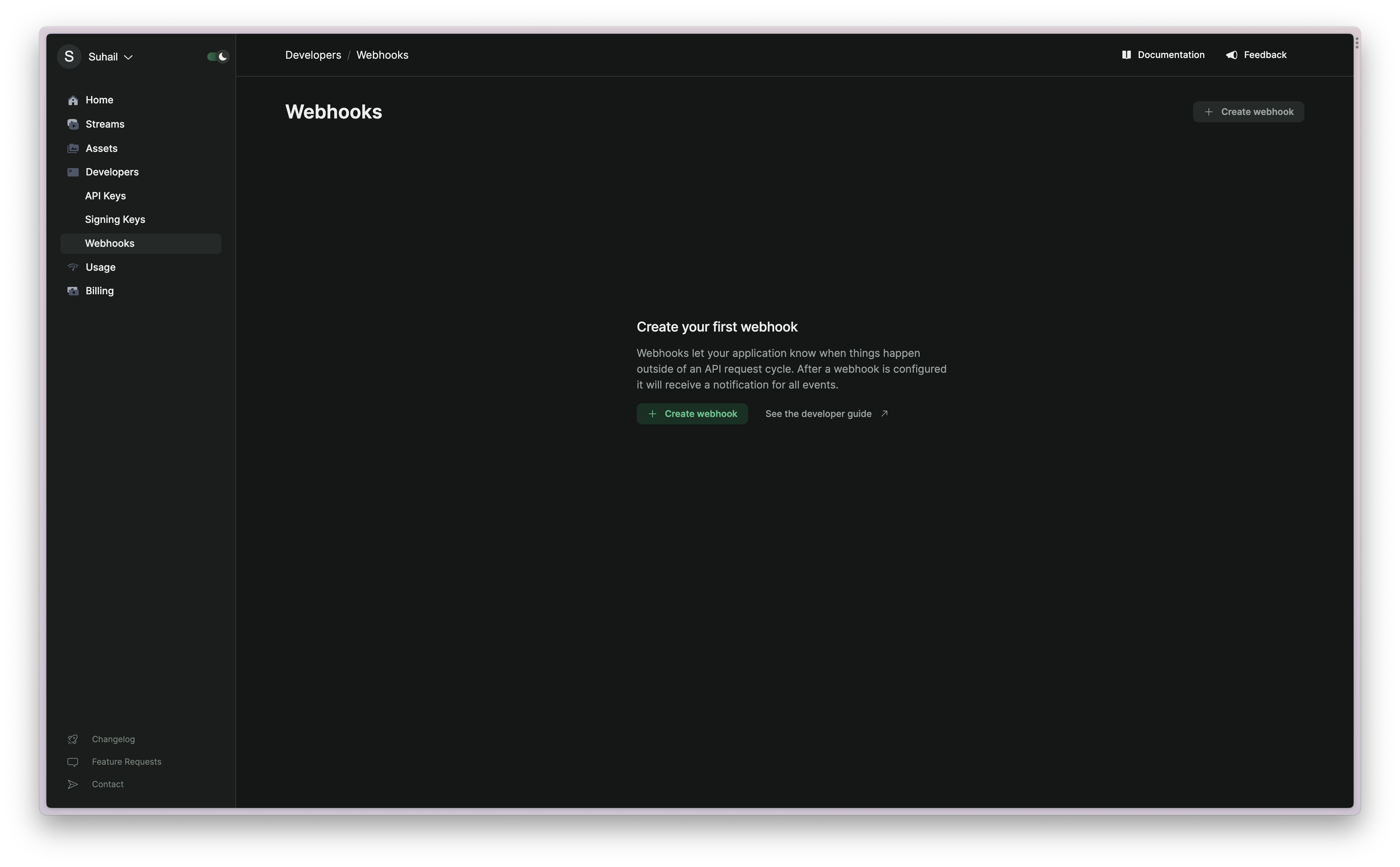
Log in to the Livepeer Studio and navigate to the Developers/Webhooks page.